
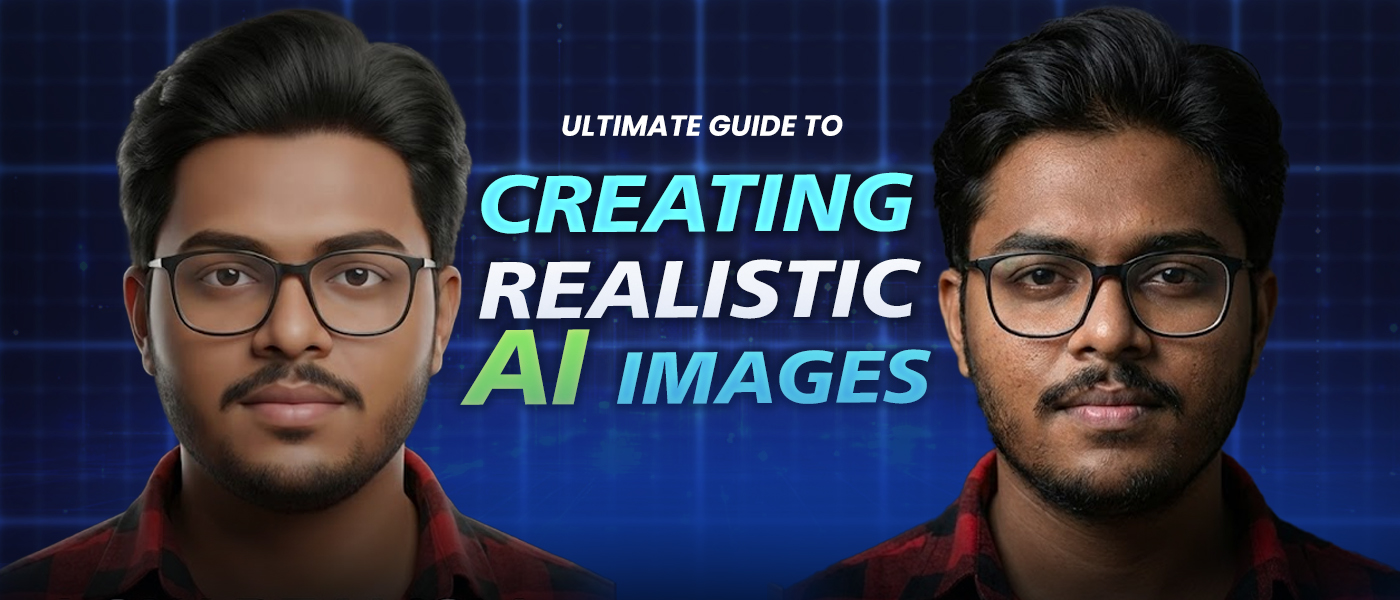
The Ultimate Guide to Creating Realistic AI Images That Look Human
AI image creation has completely changed how we create visuals. In the past it required the use of professional cameras, studios, models, lighting set-ups, and the editing work of several hours can now become an AI-powered task done in minutes.
However, there are still questions that many people pond over such as:
“How do I create realistic AI images—not ones that look fake, plastic, or obviously AI-generated?”
If you have ever been the one who generated an AI image that out to be a bit "off" considering hands, faces, lighting stakes, etc., then you are in a good company. The realism in AI images is a combination of both art and science.
This all-inclusive guide will teach you the art of creating realistic AI images, step by step, no matter if you are a content creator, graphic designer, marketer, student, or even a business owner. Additionally, we will discuss how platforms like StepUpMark.ai are accelerating and simplifying this whole process by gathering all the powerful AI image tools under one roof.
Realistic AI Images Matter More Than Ever
Realistic images are no longer a choice; they have become indispensable.
In the current digital arena:
1.Brands place their trust on visuals
2.Creators seek content that demand attention and continuous scrolling
3.Companies prefer to have product images instead of going through the expensive process of a photoshoot
4.Marketers want their ads to be perceived as real not just as artificial
When AI images are indistinguishable from real ones, the audiences:
· Get involved to a greater extent
· Have a deeper trust for the brand
· Are more likely to make a purchase
On the contrary, badly created AI images can ruin the reputation of the brand in a fraction of a second.
This is the reason why it is much more important to learn how to control AI properly than to just click “generate.”
Understanding What Makes an AI Image Look Real
First of all, when it comes to learning how to make AI images lifelike, it is necessary first of all to grasp the distinction between the real and the fake image in terms of the cause or reason for the image being the way it is.
There are five major points that determine the realism of the AI images:
· The clearness of the prompt
· The lighting and the surroundings
· The human anatomy measurement
· The textures and the flaws
· The consistency of style
AI has no human-like imagination; its working is purely based on data pattern prediction. The output will be more realistic if one has given the predictions better guidance.
Step 1: Picture Clearly in Your Mind First
One of the most common mistakes that people commit is that they start with unclear prompts such as:
“Create a realistic man”
That’s not enough.
Before you write anything, ask yourself:
· Who is the person?
· Where are they located?
· What are their actions?
· What is the atmosphere?
· What kind of light is there?
For instance, instead of being vague, think like a photographer:
“A 30-year-old male businessperson at a trendy café, natural light from the window, shallow focus, relaxed, dressed in smart casual”
The more detailed the image is in your mind, the more accurate the AI result will be.
Step 2: Write Detailed, Natural Prompts (This Is Crucial)
Your prompt remains the single most important factor that contributes to the successful creation of realistic AI images .
A bad prompt:
“Portrait of realistic woman”
A good prompt:
“Ultra-realistic portrait of a woman in her late twenties, soft natural lighting, very skin texture, realistic pores, candid facial expression, shallow depth of field, shot on a 50mm lens, neutral background, high detail”
Just look at the distinction:
Age is given
Lighting is realistic
Camera style is stated
Skin flaws are part of the picture.
Victory over realism is achieved with imperfections not perfection.
Step 3: Use Photography Language in Your Prompts
AI image models are known to respond to the language of photography in an amazing way.
Give the details of:
Camera lens (35mm, 50mm, 85mm)
Lighting (soft light, rim light, natural sunlight)
Depth of field
Focus style
Film or DSLR quality.
For instance:
“Photorealistic image, shot on a DSLR camera, natural daylight, shallow depth of field, cinematic composition, ultra-high resolution”
This deceives the AI into behaving as if it is mimicking actual photography.
Step 4: Pay Special Attention to Faces and Hands
The majority of the time, the faces and hands are the first indicators of AI-generated images.
To increase the realism:
· Set the facial symmetry
· Speak about the skin texture that is truly realistic
· Do not go for too dramatic expressions
· Add “natural posture” or “relaxed pose”
Example of addition:
“accurate human anatomy, natural hand positioning, realistic facial proportions”
StepUpMark.ai is a platform that assists in this area by utilizing cutting-edge image models optimized for improving AI image realism and eliminating prevalent AI errors such as AI image hands problem or AI image face distortion.
Step 5: Add Environmental Context
Having things that are not in landscape with images often makes them look fake.
how to avoid fake looking AI images
Instead of:
“A man standing”
Try:
“A man standing on a city street during golden hour, soft shadows, urban background slightly blurred, candid moment”
Context makes the subject be perceived as real.
Step 6: Use Negative Prompts (Avoid What You Don’t Want)
Negative prompts notify the AI what to rule out.
Typical negative prompts are:
“no cartoon”
“no CGI”
“no plastic skin”
“no blur”
“no distortion”
“no extra limbs”
Example:
“ultra-realistic portrait, natural lighting, no cartoon, no CGI, no artificial skin, no distortion”
This considerably enhances image quality.
Step 7: Iterate, Don’t Expect Perfection Instantly
Even professionals don’t get perfect AI images on their first attempts.
The sequence is:
· Generate
· Analyze
· Prompt Adjustment
· Regenerate
Small changes—like changing the lighting or camera style— may result in a colossal impact.
Here is where StepUpMark.ai reaches its full potential: instead of using multiple AI tools, you can proceed to refine, regenerate and experiment within a single platform.
Step 8: Select the Appropriate Style for the Corresponding Use Case
Realistic doesn’t always denote the same thing.
Marketing images → Clean, professional, lifestyle realism
Social media → Candid, natural, less polished
Product visuals → Sharp, well-lit, studio-style
Personal branding → Authentic, relatable, human
Always make realism matched with its purpose.
Step 9: Enhance Realism With Post-Processing (Optional)
Some creators go a long way by AI images by:
· Adjusting contrast
· Adding film grain
· Slight color correction
· Cropping for composition
· Adding realistic lighting in AI images
Even subtle edits can push an AI image from “good” to “indistinguishable from real.”
Reasons Why StepUpMark.ai Is the Best Tool for Creation of Realistic AI Images
The majority of the population encounters difficulties when it comes to creation of AI images as they use:
· A tool to create images
· A different one for prompts
· Another for editing
· And yet another for repurposing content
StepUpMark.ai is the solution to this problem.
Incorporating StepUpMark.ai into your workflow means that you will:
· Make realistic AI images
· Try out the different styles and prompts
· Merge pictures with captions that are generated by AI
· Have the ability to produce images for social media, ads, blogs, and presentations, all in one place
You don’t have to learn how to use a variety of programs; rather, you’ll become proficient in just one.
Errors Commonly Made in AI Images Generation Process
The following mistakes are very common even among the professionals:
· Adding too many styles to prompts
· Requesting for unreal “perfect” faces
· Not paying attention to lighting
· Not using negative prompts
· Giving AI images poses that are not realistic
· Thinking that perfection can be achieved in just one click
The main difference between realistic and not so realistic AI images is the fact that the former are the result of guided creativity while the latter are the result of taking short cuts.
FAQs: Creation of Realistic AI Images
1Q. Are AI images capable of being confused with real pictures?
A. Yes. Provided one utilizes the right prompts, lighting details, and anatomy guidance, AI images can actually be so close to real photography that one can hardly tell the difference.
2Q. How come sometimes AI images are not very realistic?
A. The main cause for this is usually a combination of vague prompts, unrealistic lighting, overly smooth skin, and incorrect anatomy—especially with hands and faces.
3Q. Is it necessary to have design skills in order to produce realistic AI images?
A. No. Clarity of the prompt is required, not design skills. The AI takes care of the technical side of things.
4Q. What is the duration of learning AI image prompting?
A. Most people report significant progress within only a few days of practice.
5Q. Can I make use of AI images for commercial purposes?
A. Yes, but it all depends on the license provided by the platform. Always verify the rights of use before going for publishing.
6Q. Are the use of realistic AI images ethical?
A. Absolutely, if they are used in a transparent and responsible way—especially in marketing, education, and artistic areas.
7Q. Is StepUpMark.ai suitable for beginners?
A. Certainly. It is meant for creators, marketers, students, and even business people that seek results without any difficulty.
The Future of Realistic AI Images Generation
The generation of AI images is very much developing at a fast pace:
· More perfect human anatomy
· Lighting more precise
· Realism better
· Faster generation
Very soon AI images will not only be visually real but also touchable.
The ones who become early adopters of these tools will have the largest imaginative advantage.
Conclusion: Realism Is About Guidance, Not Technology
To make realistic AI images is not about being able to access the "best" AI tool, it is rather knowing the support that is required to carry out AI properly.
Whenever you:
Have a photographer's mindset
Give concise, human prompts
Accept flaws
Feedback smartly
AI turns to be a creative collaborator not a time-saver.
With the use of StepUpMark.ai you not only produce AI images—the creation of a quicker, cleverer creative workflow is what you get.
The age of visual content has arrived.
The question that remains is: what will be your approach?